Domain management
From the Domains page in the top navigation bar you can register new domains, transfer existing ones, and manage all your domains.
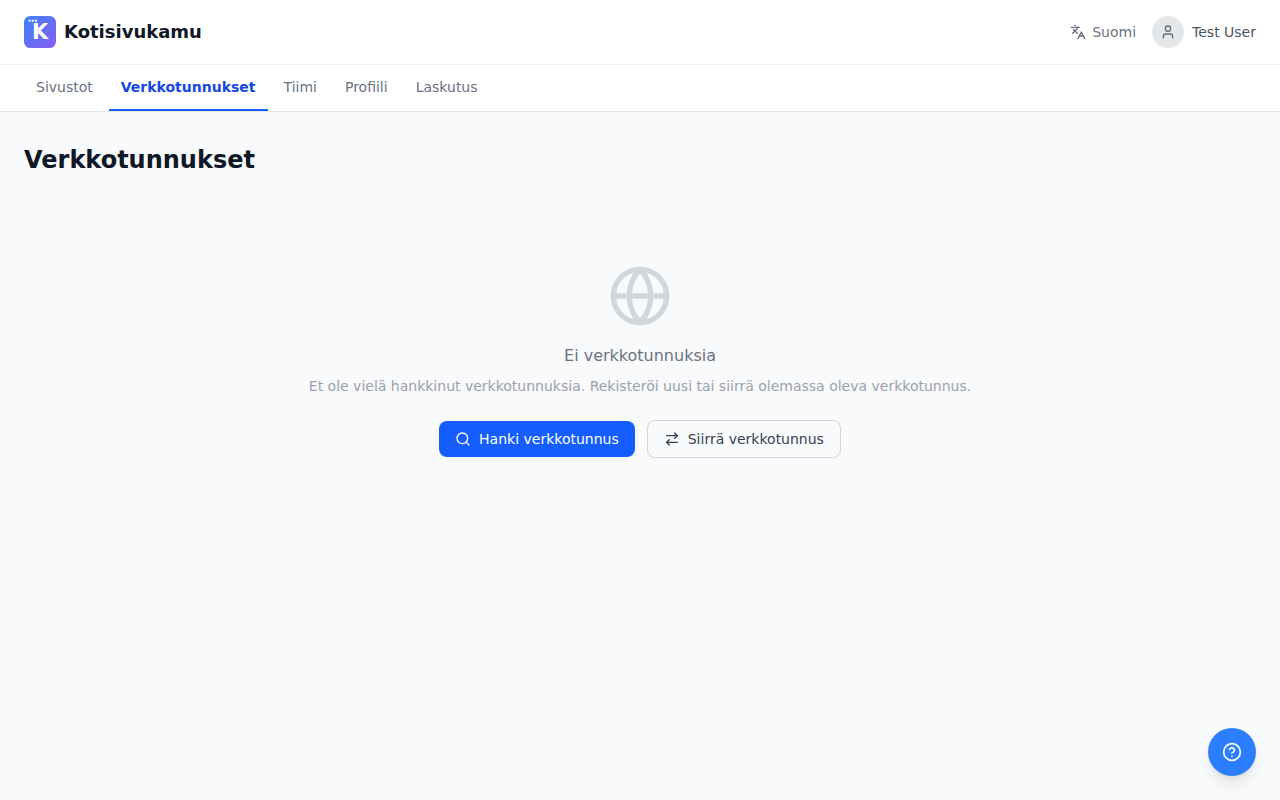
Registering a new domain
- Go to the Domains page and click Get a domain
- Type the domain name or company name you want in the search field (e.g., "examplecompany" or "examplecompany.fi")
- Click Search
- You'll see a list of available domains with different extensions (.fi, .com, .net, etc.) and their prices
- Click Register next to the domain you want
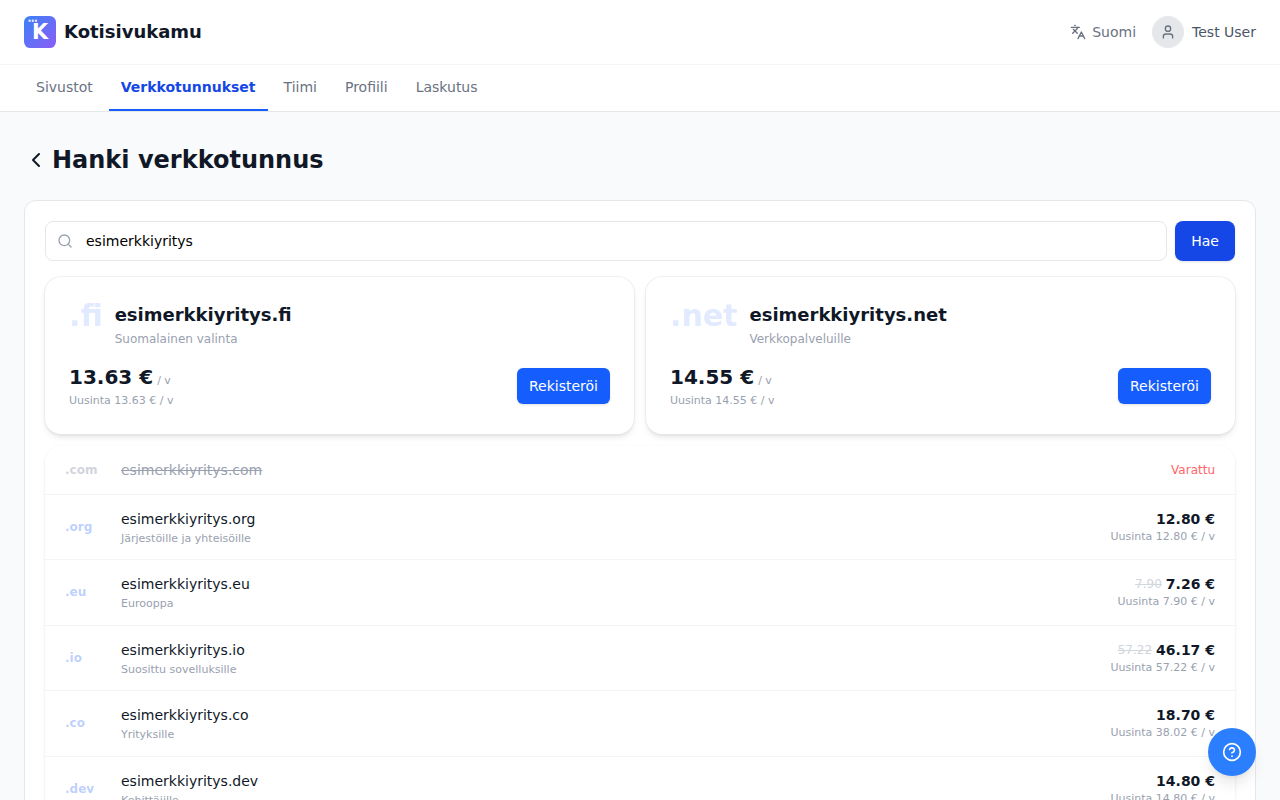
During registration, you'll be asked for the domain owner's details (name, address, email). For .fi domains, a business ID or personal ID is also required.
Domain transfer
If you already have a domain with another provider, you can transfer it to Kotisivukamu's management. See detailed instructions at Domain transfer.
Connecting a domain to your site
Once you have a domain, you can connect it to your site. See instructions at Connecting to a site.
Can I use a domain registered elsewhere?
Yes. You don't have to register or transfer a domain through Kotisivukamu. You can use a domain from any provider. In that case, you'll need to configure the DNS settings yourself from your provider's dashboard.