Signing up
Creating an account
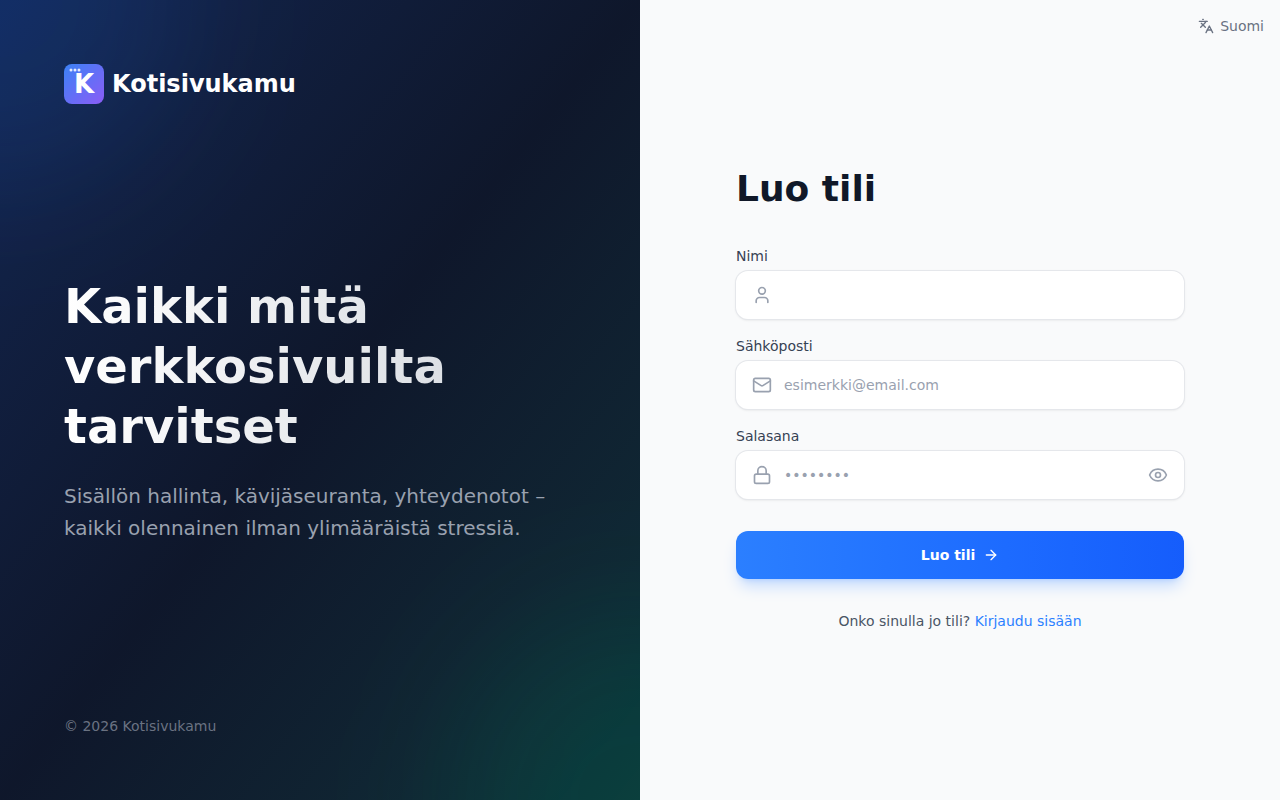
- Go to app.kotisivukamu.fi
- Click Create account
- Enter your name, email address, and choose a password
- Click Create account
- Confirm your email address by clicking the link sent to your email
Filling in your details
The first time you log in, you fill in a short onboarding form ("Welcome! A few questions and you're ready to go."). The form has four steps, and you can return to earlier steps at any time:
- You: your name and, if you like, a phone number. We only use these to contact you.
- Account: who the site is for — a business or an individual — and in which country. For a Finnish business it's enough to start typing the company name: we fetch the business ID, address, and e-invoicing details from the trade register for you. Finally, give your team a name (visible only to you and your team members).
- Billing: the address for invoices. Businesses also choose how invoices are delivered: email or e-invoice (e-invoice address and operator ID).
- Review: check the details, accept the terms of service, and press Let's go.
All details can be edited later on the Team and Profile pages.
Logging in
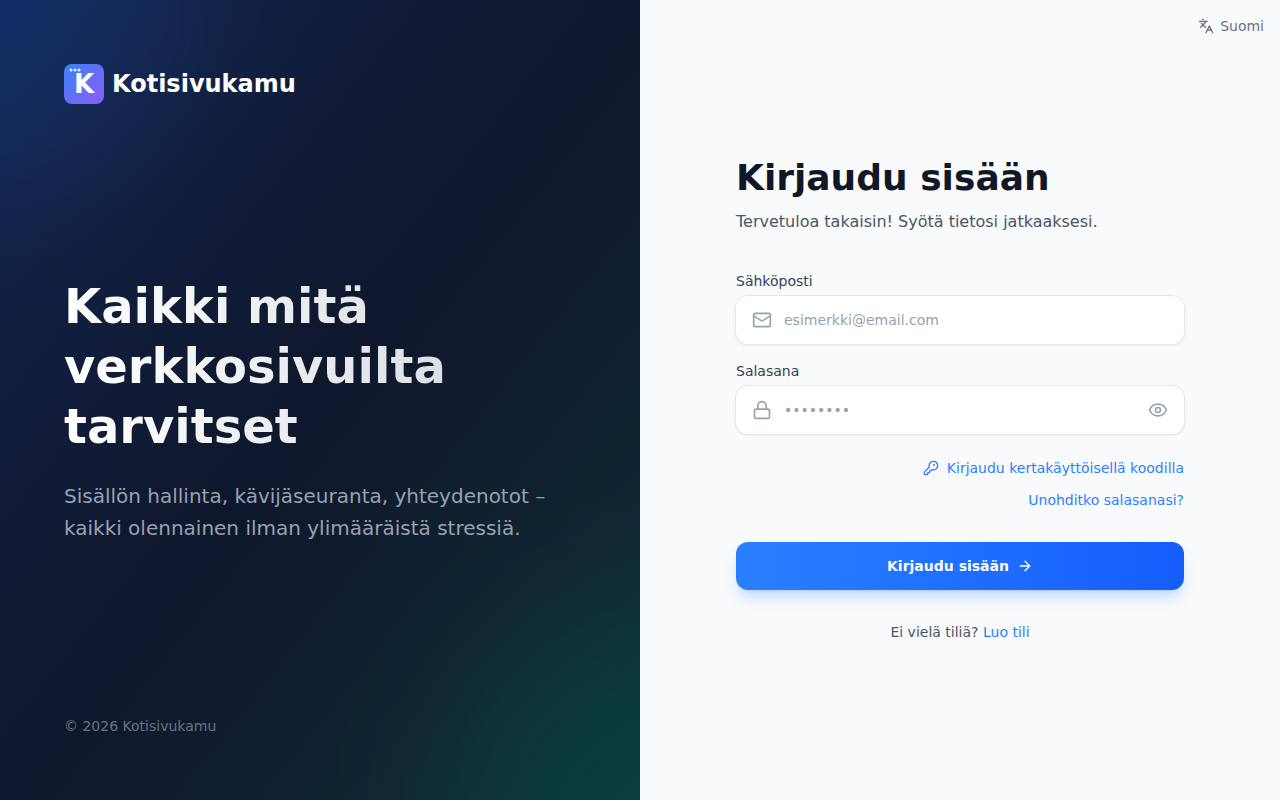
Log in at app.kotisivukamu.fi with your email and password.
You can also log in with a one-time code sent to your email. Select Log in with a one-time code on the login page.
Changing your password
If you forget your password:
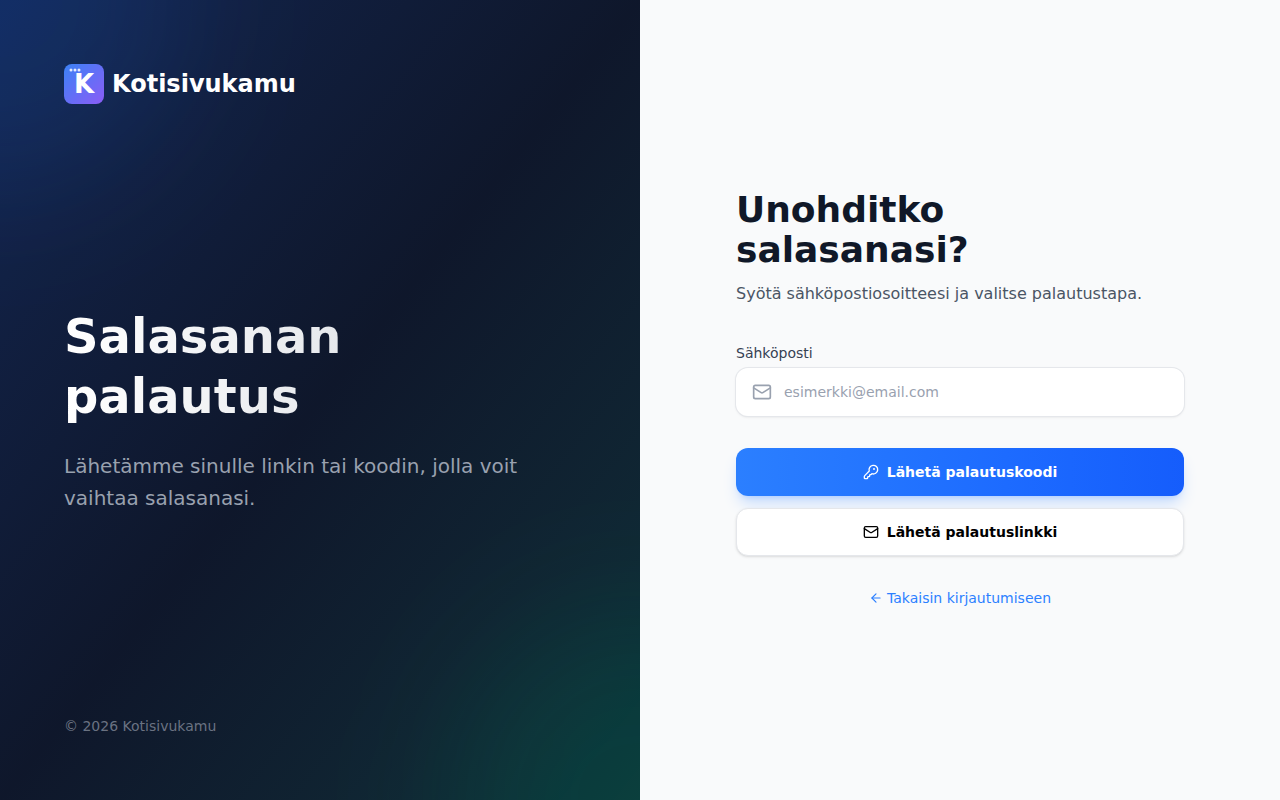
- Click Forgot your password? on the login page
- Enter your email address
- Choose whether you want a recovery code or a recovery link sent to your email
- Follow the instructions in the email to set a new password
Profile settings
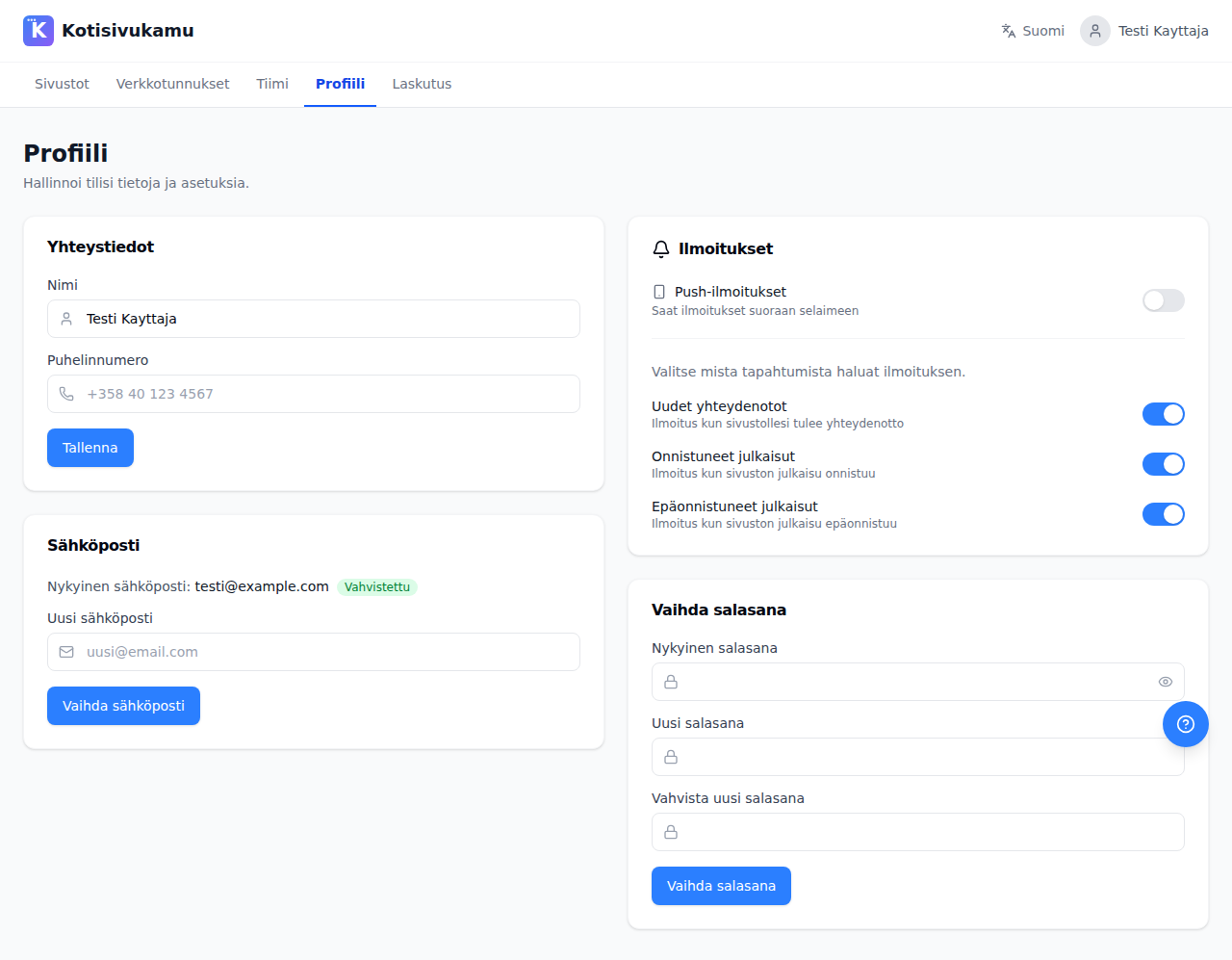
After logging in, you can edit your profile from the Profile page. From there you can:
- Update your name and phone number
- Change your email address
- Change your password
- Manage push notifications in the browser