Dashboard
The dashboard is the central place where you manage all your sites, domains, documents, teams, and subscriptions. Log in at app.kotisivukamu.fi.
Top bar navigation
In the dashboard top bar you'll find:
- Sites: all your sites
- Documents: presentations, documents, and diagrams made with Kamu (see Documents)
- Domains: domain registration, transfer, and management
- Team: team details, members, and sites
- Profile: your own settings, email, password, and notifications
- Billing: subscriptions, invoices, and Kamu Balance
On the right side of the top bar you'll also find the Guide button (opens this guide), the language switcher, the notification bell, and your user menu.
Sites view
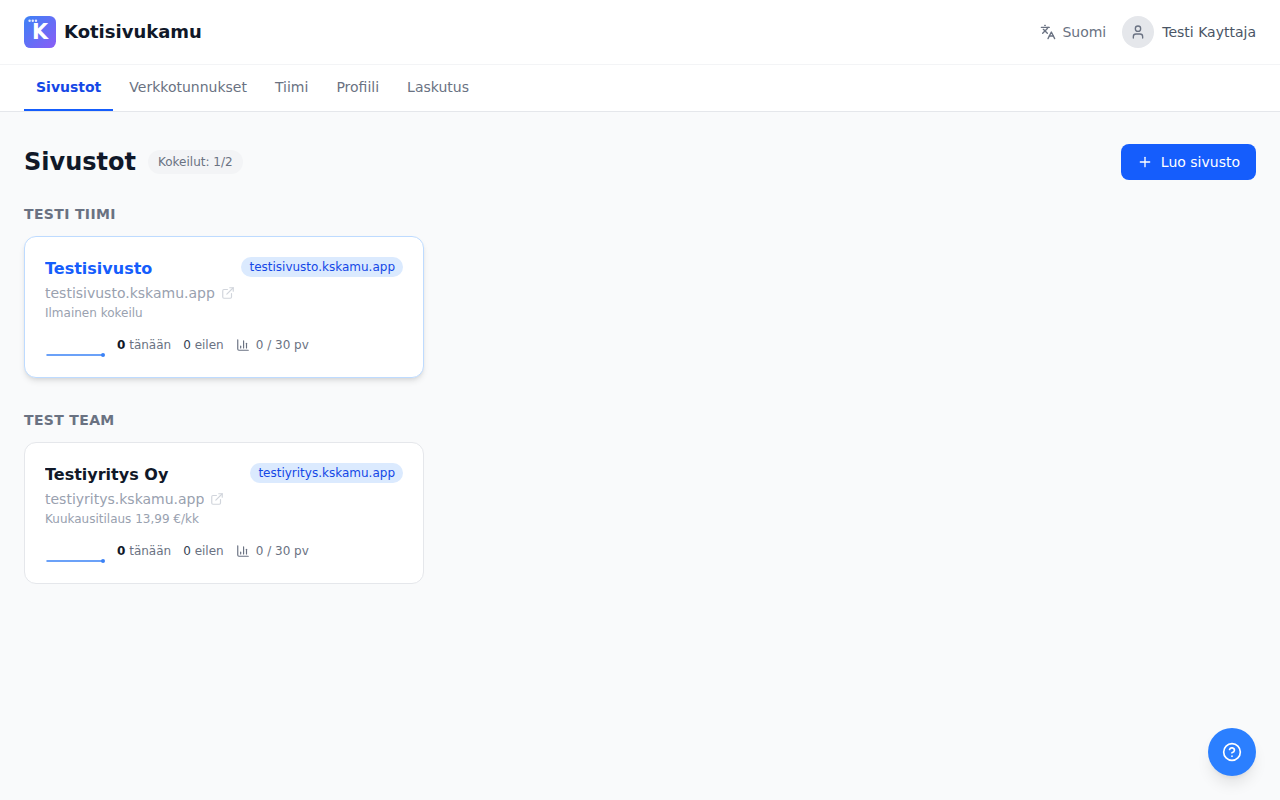
When you log into the dashboard, you'll see a list of all your sites. For each site you can see:
- Site name and address
- Subscription type (free trial / monthly / annual)
- Visitor data: visitors today, yesterday, and over the last 30 days
- Visitor trend graphs
You can add a site with the Create site button. During the trial period you can create up to 2 sites.
Managing a site
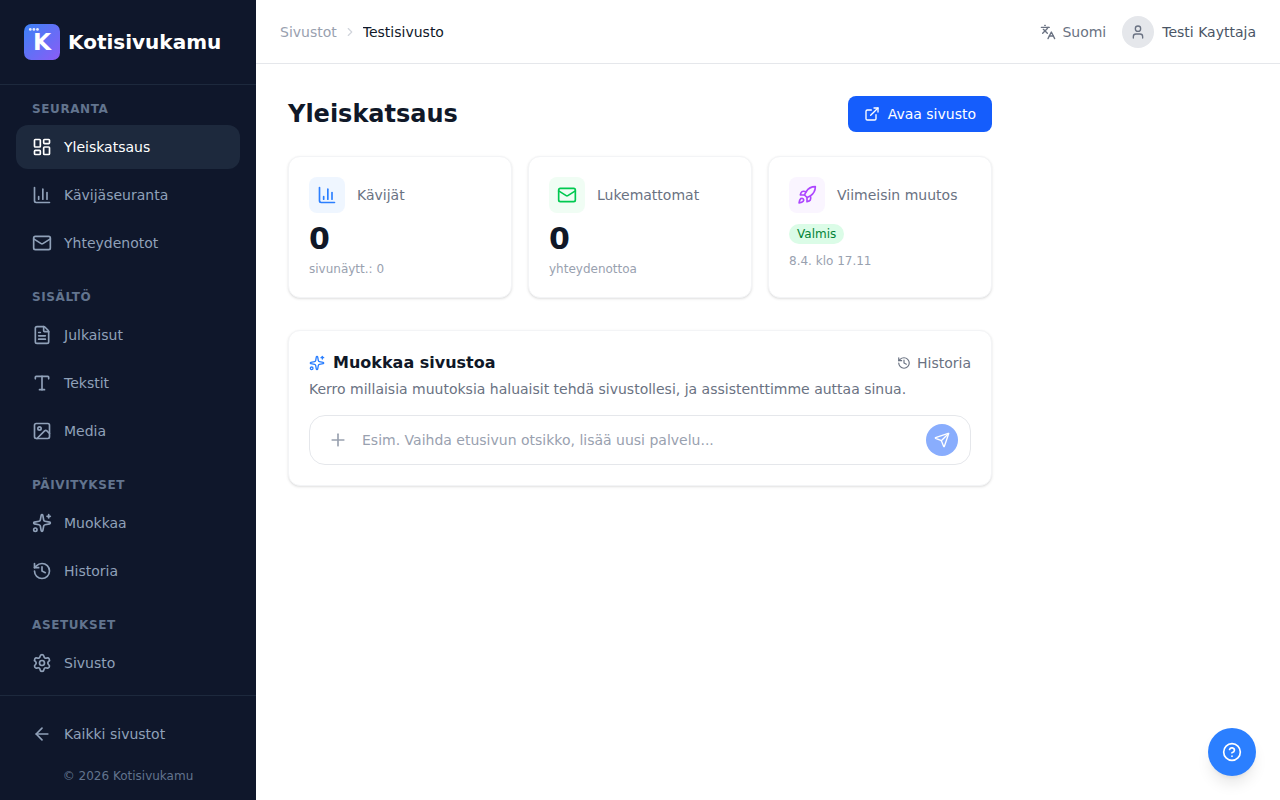
Click a site to open its management view. The left sidebar has the following sections:
Tracking
- Overview: your site at a glance: addresses and publishing, ways to make changes, and recent activity
- Visitor analytics: detailed cookie-free visitor statistics
- Contacts: messages submitted through your site's contact form
Content
- Posts: managing blog posts and other publications
- Texts: editing the site's texts directly
- Media: managing and uploading images
Updates
- Assistant: request changes by chatting with the AI assistant (see Chat)
- Studio: real-time editing view with a live preview (see Studio)
Settings
- History: the site's change and deployment history
- Site: site name, automatic publishing, notification emails, subscription
- Domains: connecting your own domain
- Users: managing the site's users
- Search engines: company details, opening hours, contact persons, and e-invoicing details that help your site show up correctly in search results and on maps
- Integrations: forwarding form submissions to your own systems (see Integrations)
The All sites link at the bottom of the sidebar takes you back to the site list.
Team
On the Team page you manage team details and members. You can:
- Edit the team name and contact details (address, business ID)
- Invite new members by email
- See the team's sites and their subscriptions
- Follow the activity history
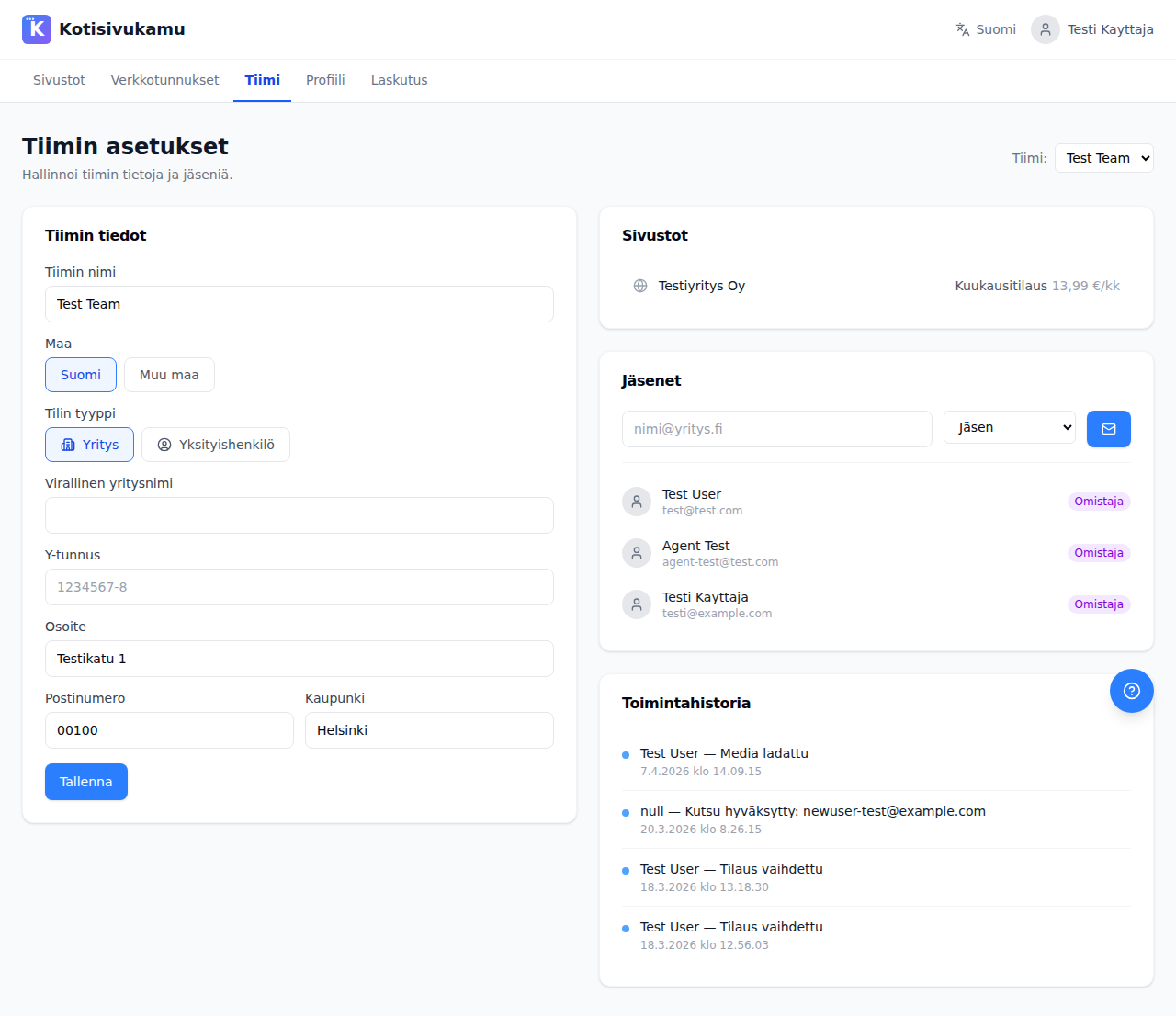
You can invite members in two roles:
- Owner: full permissions
- Member: can manage sites but not team settings
Support
You can get help from the ? button in the bottom right corner of the dashboard. When you open it inside a site, you get two options:
- Ask the assistant: the AI assistant answers right away and can also make the changes for you. This is the fastest way to get an answer to most site questions.
- Contact support: send a message to our team. You can attach a screenshot of your current view with one click, which helps us understand the situation faster.
Once your support message is sent, you'll get a reference code and a confirmation email. We respond within 24 hours, usually much faster.
You can also email us directly at tuki@kotisivukamu.fi.