Blog posts
You can publish a new blog post or news article in two ways: via the AI assistant or directly from the Posts page.
Via the AI assistant
The easiest way to publish a new post is to ask the AI assistant. This works both in the dashboard chat and via WhatsApp.
- Open your site's Assistant page or send a WhatsApp message
- Click the Write a blog post quick action or type a topic, for example "Write a blog post about spring gardening tips"
- The AI writes a draft and publishes it on your site
From the Posts page
You can also create and edit posts directly from the Posts page in the dashboard. This is especially useful when you want to edit existing posts or write the text yourself.
Creating a new post
- Open your site's Posts page
- Click the + button in the file list on the left (New file)
- Give the post a title
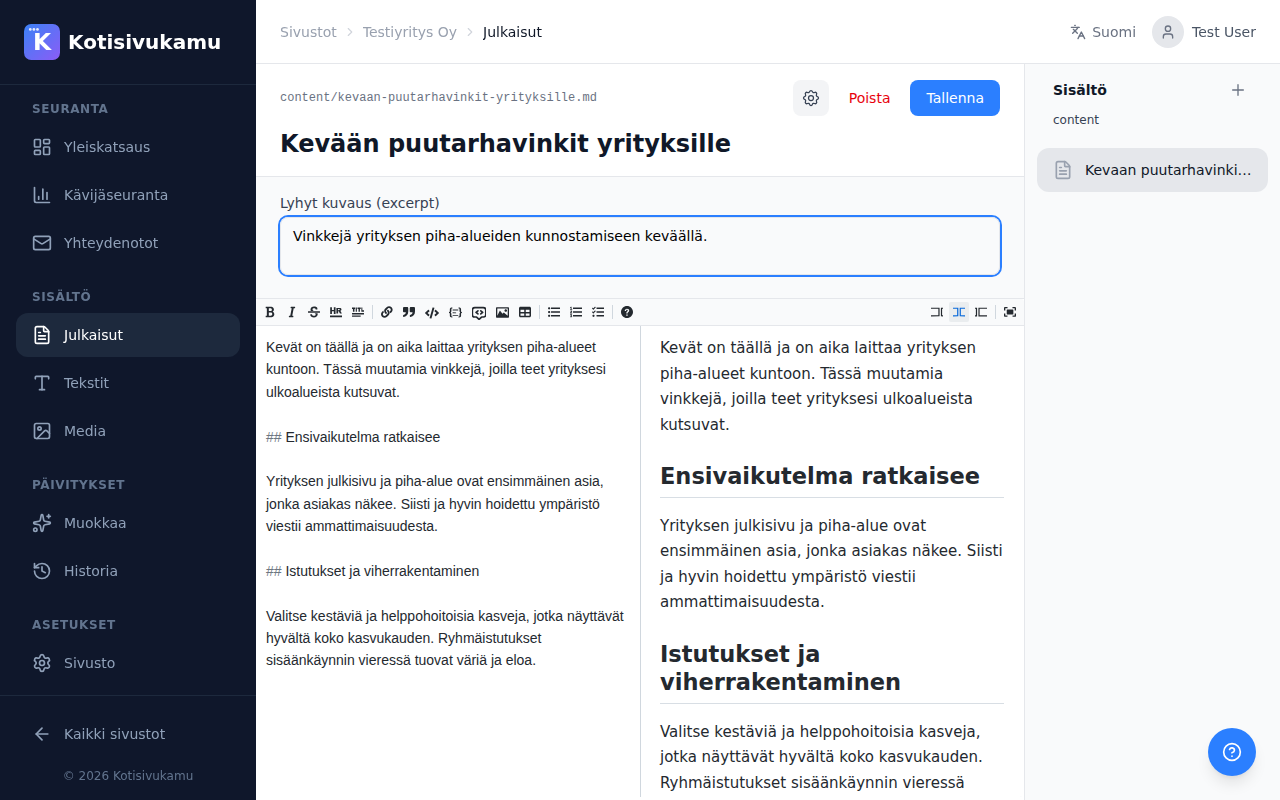
- Write the content in the markdown editor. The editor has a code view on the left and a preview on the right
Editor features
The editor has a toolbar for common formatting:
- Bold, italic, strikethrough: text formatting
- Headings: different heading levels
- Links and images: add links and images
- Lists: numbered, bulleted, or task lists
- Quotes and code blocks: special formatting
- Tables: add tables
You can also switch between the code editor, split view, and preview.
Editing
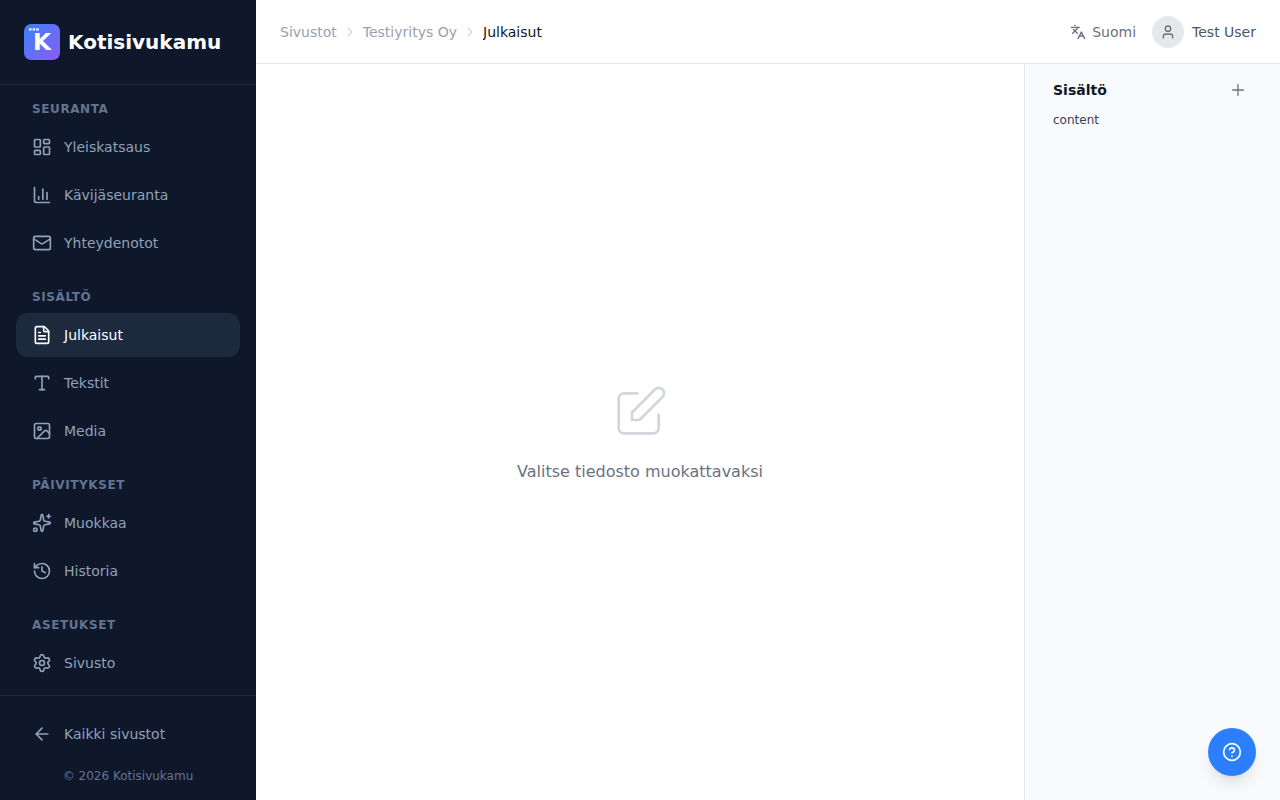
You can edit existing posts by clicking on them in the file list on the left.
Saving
When you're done, click Save. Changes are saved directly to your site's source code.
Changes are always visible automatically at the {site}.kskamu.app address. If automatic publishing is enabled, they'll also appear on your custom domain. If you want to review changes before publishing to your custom domain, turn off automatic publishing in site settings.