Images and media
Your site's images have a significant impact on how your site looks. From the Media page in the dashboard you can manage all your site's images.
Media library
On the Media page you can see all your site's images. From the toolbar above the images you can:
- Upload new images with the Upload images button
- Refresh the image list with the Refresh button
- Change the display size of the images (large, normal, small)
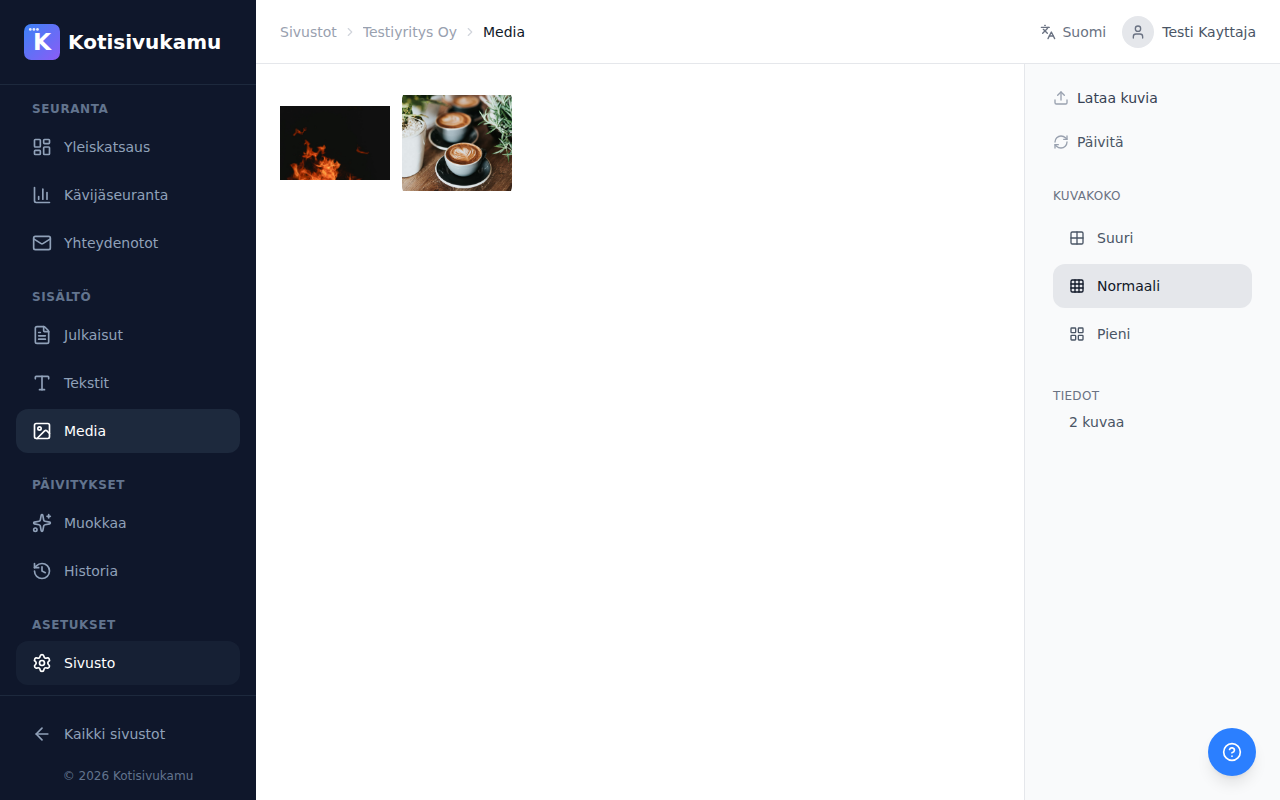
Image requirements
- Format: JPG, PNG, or WebP
- Size: we recommend at least 1200px width
You can upload images of any size. The system automatically resizes and optimizes them.
Adding images
You can add images to your site in two ways:
- Via the media library: upload an image from the Media page and request in your change request to add it where you want
- With a change request: attach an image directly to a chat message on the Assistant page by pressing the Add image button
Stock images
If you don't have your own images, the AI can use high-quality stock images that suit your business's industry. Just mention in your change request what kind of images you want.